


The latest releases of Evercast Studio for macOS, iOS, tvOS, visionOS, and Windows offer a number of improvements to our color rendering, to enable a wider range of use cases and better overall experience.
Improved color fidelity
In the world of color finishing, accuracy is everything. Creatives can't make confident, informed decisions when there's ambiguity in their display method. So we did a full review of our color pipeline across all platforms, and upgraded our color accuracy with more efficient rendering, and particularly better HDR rendering. For more information on color fidelity, see this article.
Reference Mode
Mac and iPad Pro models with Apple XDR displays display offer Reference Mode* for accurate color rendering. Reference Mode locks the display to a specified color gamut and luminance range to prevent variation in the rendered image.
When rendering HDR, it's typically necessary to perform some tone mapping to adjust the content to the capabilities of the display. With Reference Mode enabled, however, it's usually desirable to disable any tone mapping to ensure the content is rendered accurately. Evercast Studio 4.0 for macOS now offers an option to turn off tone mapping for HDR10 streams, and disables it by default when Reference Mode is active. Similarly, Evercast Studio for iPad now disables HDR tone mapping when Reference Mode is active. These flexible settings help ensure the best viewing experience for your content.
*For more information about Reference Mode, see this article and this article from Apple.
HLG
Hybrid Log-Gamma (HLG) is a color transfer characteristic used for HDR in broadcast and other content. Evercast Studio version 4.0+ now supports rendering HLG, so your streams will play beautifully on HDR and SDR displays alike.
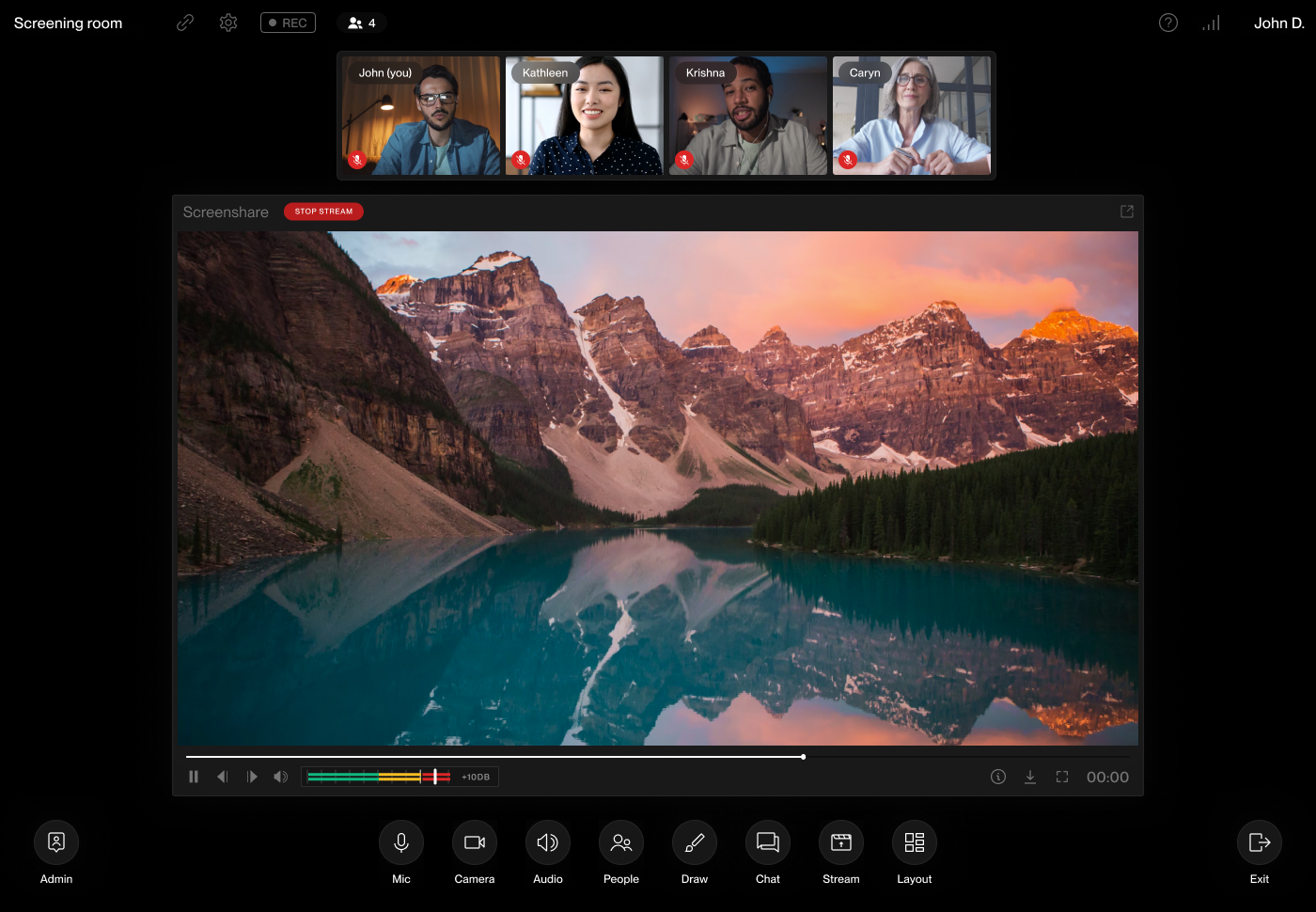
To download the latest version of Evercast, click here.
Create together remotely, in real time


.avif)







.avif)


.avif)
